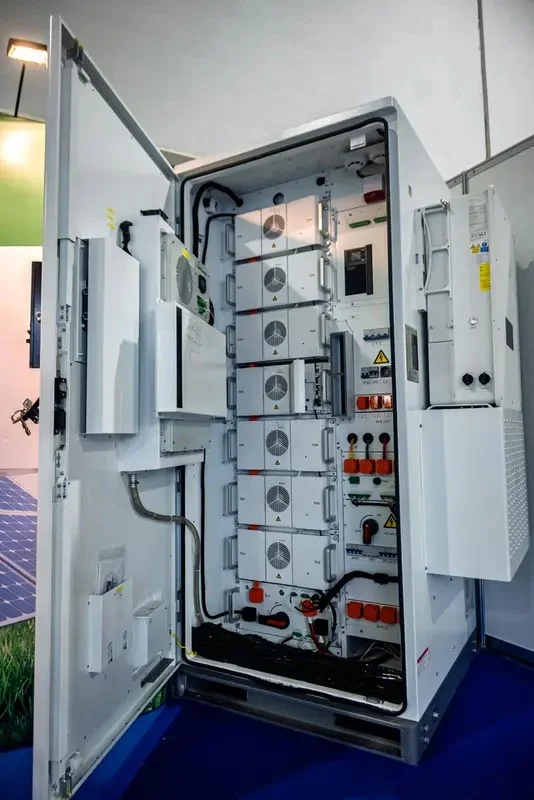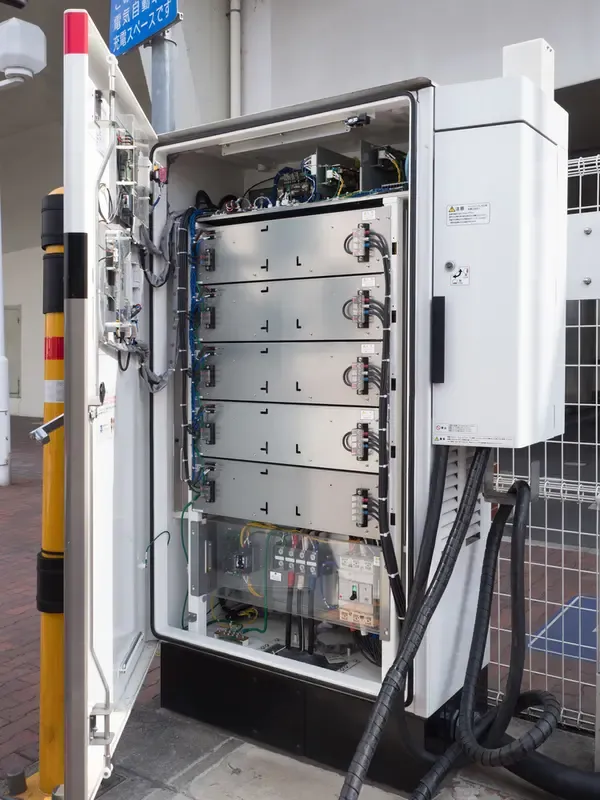
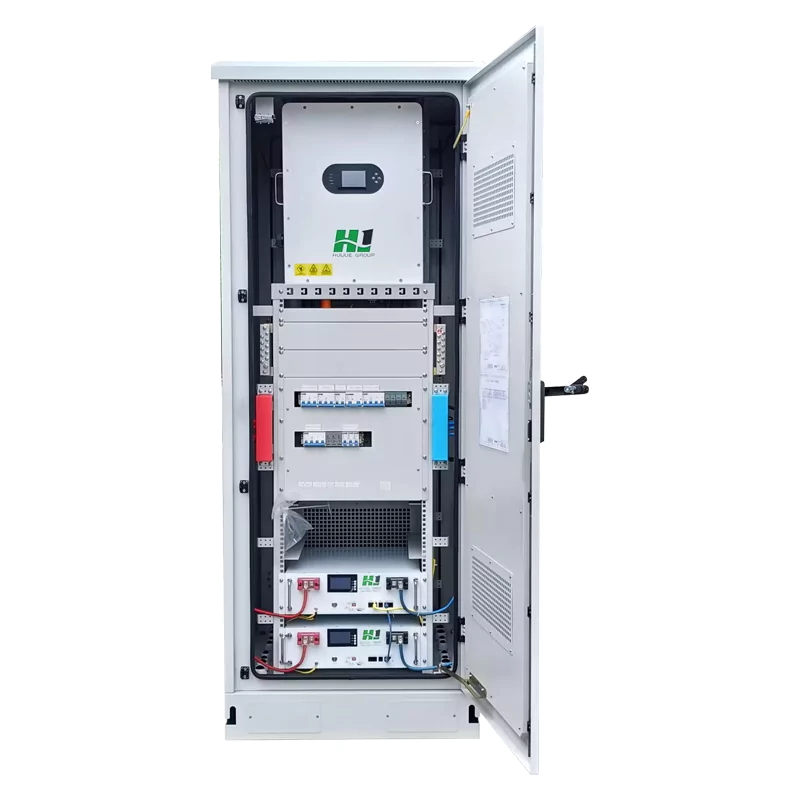

What Is Inside a Server Rack?
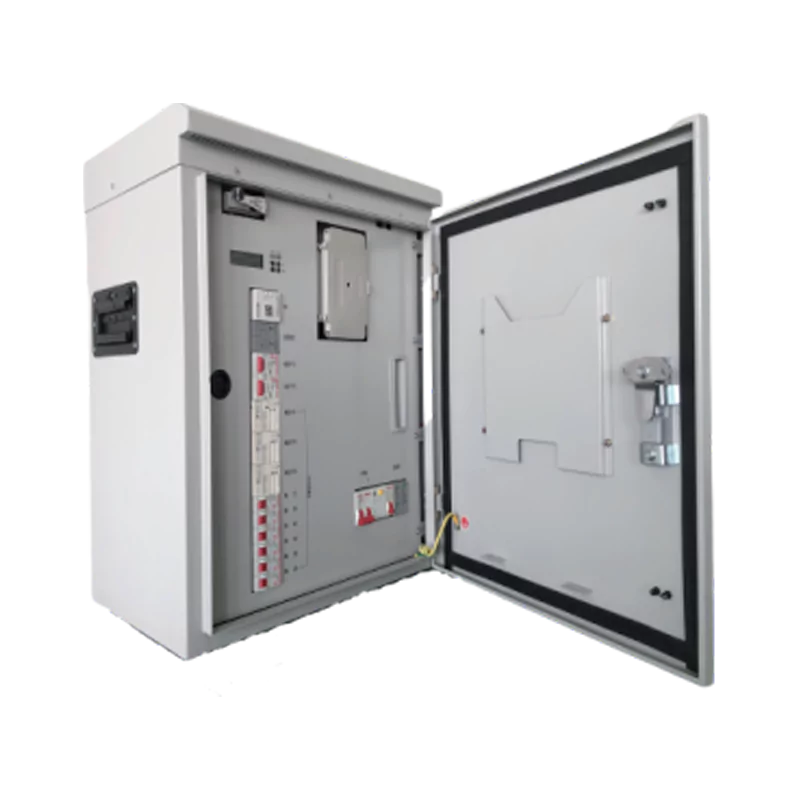
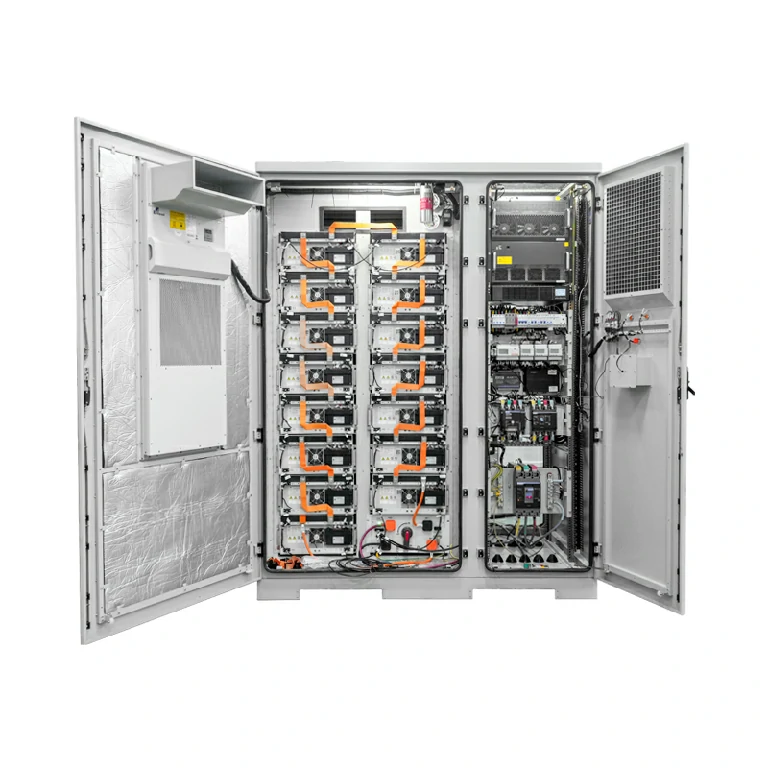
The server rack is designed to house the core hardware that supplies the power to the networks, applications, and storage systems. Inside the server rack cabinet, several IT devices are stacked vertically in a standardized manner. These devices are designed to work together to provide computing power, networking, and power distribution to the systems.
When you open the server rack cabinet used in a network server in a data center or server room, you will see several devices instead of servers. This is because the server rack is designed to provide a structured environment in which computing devices, networking devices, and power supplies work together as a single system.
It is worth learning about the devices inside the server rack cabinet to help businesses better plan their server room infrastructure.
The Main Components Found Inside a Server Rack
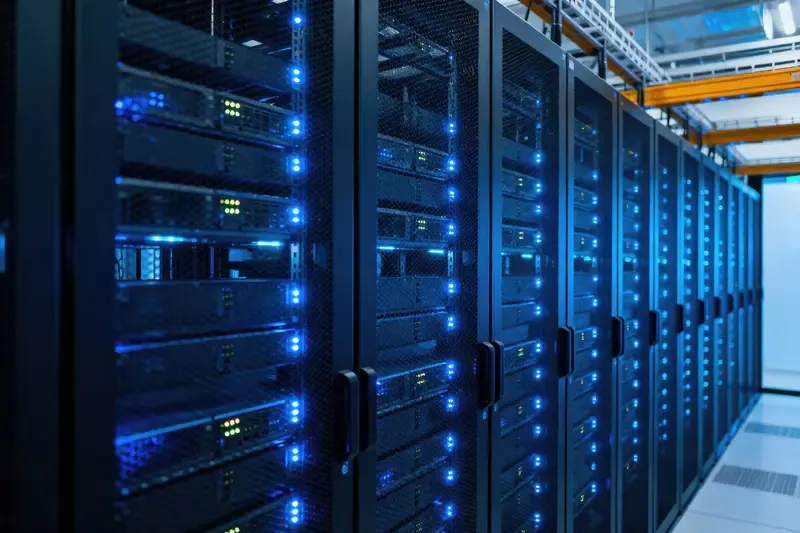
Regardless of the type of rack, the hardware types contained in the majority of server racks remain the same. These hardware types include computing, connectivity, and power management hardware.
Rack Servers
The most visible hardware in the server rack is the rack server. Rack servers are the most important hardware in the server rack. They supply computing power for the applications, websites, databases, and virtualization environments.
Servers usually come in standard sizes, called U sizes. A 1U server occupies one unit, whereas other servers, which have better computing power, may occupy 2U, 3U, or more units.
Servers usually contain computing hardware, memory, hard disk drives, and network interfaces. Since the servers are mounted vertically, an organization can install dozens of servers in a compact space.
The study titled The Datacenter as a Computer, published by University of Wisconsin–Madison, finds that modern data center racks often house multiple servers that function together as part of a larger distributed computing system.
Network Switches
Servers cannot communicate with each other without the support of networking devices. This is the reason why most network server racks include a switch.
The main role of a switch is to connect the servers to each other and the overall network infrastructure. For instance, in a rack server installation, there is often a Top of Rack (ToR) switch located at the top of the rack, which connects all the servers within the rack.
The servers within the rack would essentially act independently of each other without the support of the switches.
Storage Systems
Racks also frequently feature storage hardware. This type of equipment is used to store large amounts of information, usually for applications, backup, and database usage.
There are a number of ways in which storage devices can be provided:
- Storage arrays
- Network attached storage
- Storage servers with large drive bays
In some cases, particularly in smaller organizations, storage might be provided within application servers. In larger organizations, however, storage units are frequently used, particularly in data centers, because of the capacity and redundancy benefits they provide.
Power Distribution Units (PDUs)
All equipment within the rack must be provided with a power source. Power distribution units are installed within the rack to provide a source of electrical supply to the equipment from the overall facility supply.
A rack PDU is rather like a high-end power strip but with a number of other features, including load, remote, and redundancy capability.
The ASHRAE’s publication TC9.9 Power Distribution in Data Centers White Paper explains that rack power systems distribute electricity to servers and network devices while allowing monitoring and control of power usage across equipment.
PDUs are typically installed vertically on the back of the rack, as this minimizes space usage and makes cabling easier to manage.
Supporting Infrastructure Inside the Rack
Aside from the major equipment, several supporting components make the rack operational and easier to manage.
Cable Management Systems
The number of power and network cables connecting equipment in a rack is significant. Cable management systems, such as panels, trays, and arms, organize the cables.
Proper cable management is essential for efficient airflow, easier maintenance, and minimizing the chance of accidental disconnections. For densely populated racks, disorganized cables may cause issues with overheating equipment.
Cooling and Airflow Management
Servers produce a lot of heat when in operation. Therefore, it is necessary to ensure proper temperature control using airflow and cooling techniques.
The standard airflow approach for racks is to provide cool air to the front of the rack and exhaust hot air out of the back of the rack. Blank panels, airflow baffles, and doors with holes are used to guide airflow over the equipment.
This airflow approach is similar to the hot and cold aisles approach used in many data centers.
Rack Mount Rails and Shelves
However, not all devices slide into the slots of the racks. There are cases where rails and shelves are added for the support of devices like storage devices, network devices, backup devices, etc.
Rails are also useful for the maintenance of servers because they allow the servers to be slid out for maintenance without being removed from the racks completely.
Typical Layout of Equipment in a Server Rack
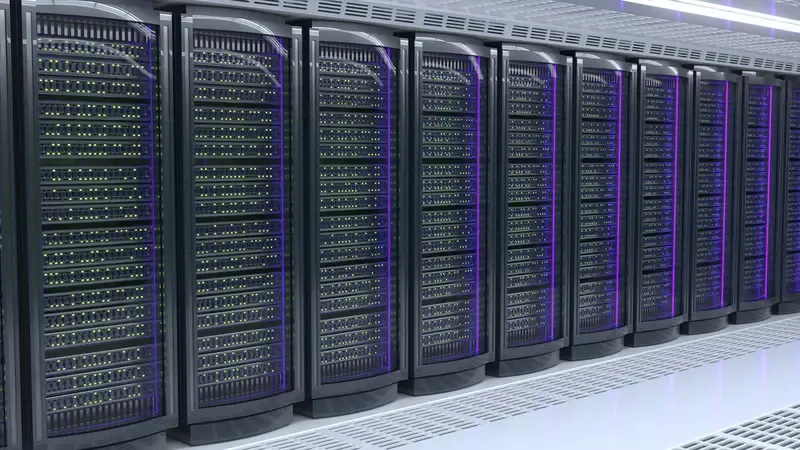
Although the layout of the devices in the racks may vary, the racks are usually designed in a way that follows the pattern of the placement of the devices. Networking devices are usually placed near the top of the racks, while the servers are placed in the center.
| Rack Section | Typical Equipment |
| Top | Network switches, patch panels |
| Middle | Rack servers and compute nodes |
| Lower section | Storage systems or heavier devices |
| Rear vertical rails | Power distribution units |
Such a setup also makes it easier to simplify cabling, weight distribution, and airflow.
Why Server Rack Organization Matters
A server rack is not just a simple metal box. Its design makes it possible to deploy robust computing systems while remaining reliable and accessible.
A well-designed rack has several benefits:
- Effective utilization of available space
- Simplified maintenance and upgrades
- Effective power and networking cabling
- Effective airflow and cooling
Without a rack, managing a large number of servers would become a mess.
Conclusion
Today’s server rack houses many more components than a stack of computers. Inside today’s server rack, you will find rack servers providing computing power, switches providing network communication, storage providing data storage, and power distribution providing power supply, among other components such as supporting components like cable management, rails, and airflow, all working together to keep the server rack organized and in operation.
To those planning IT infrastructures, understanding what goes into a network server rack will make planning your equipment much easier. Therefore, when planning your server rack, you should concentrate on balancing your equipment, power distribution, and cooling systems, as this will ensure your server rack is well organized, thus making future upgrades easier as your computing needs increase.